Simon van Luxemburg
LCNewDonkCityMod
"[Beta] Add Super Mario Odyssey's New Donk City as a playable level!"
My first-ever attempt at learning the intricacies of creating a Scene, as opposed to just singular features. From making LTOWFruitSaloonMod, I'd already learned how to create complex prefabs, but this would force me to learn more about navigation and collision too.
On top of that, I used this mod to get better at all the things I started learning in previous mods, to try and find new and improved solutions for them. For example, to unload faraway LOD models, to save on spawned NetworkObjects, and to spawn a large quantity of NPC's.
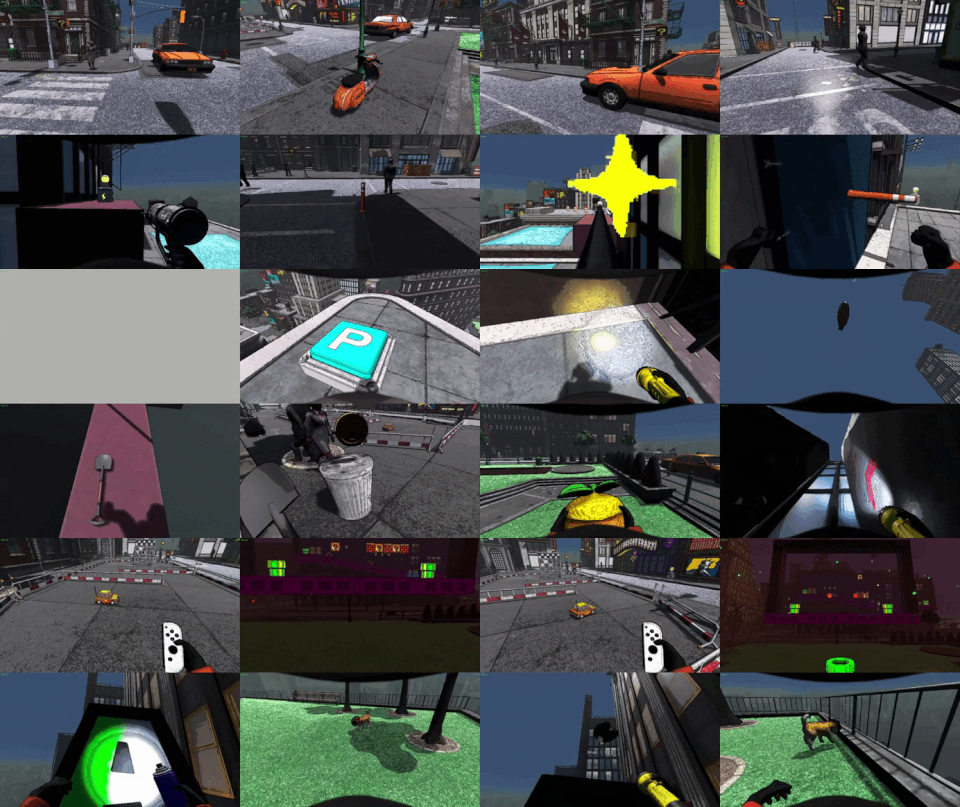
LCNewDonkCityMod: A new level to teach me NavMeshes and managing massive collections of prefabs to load and unload.
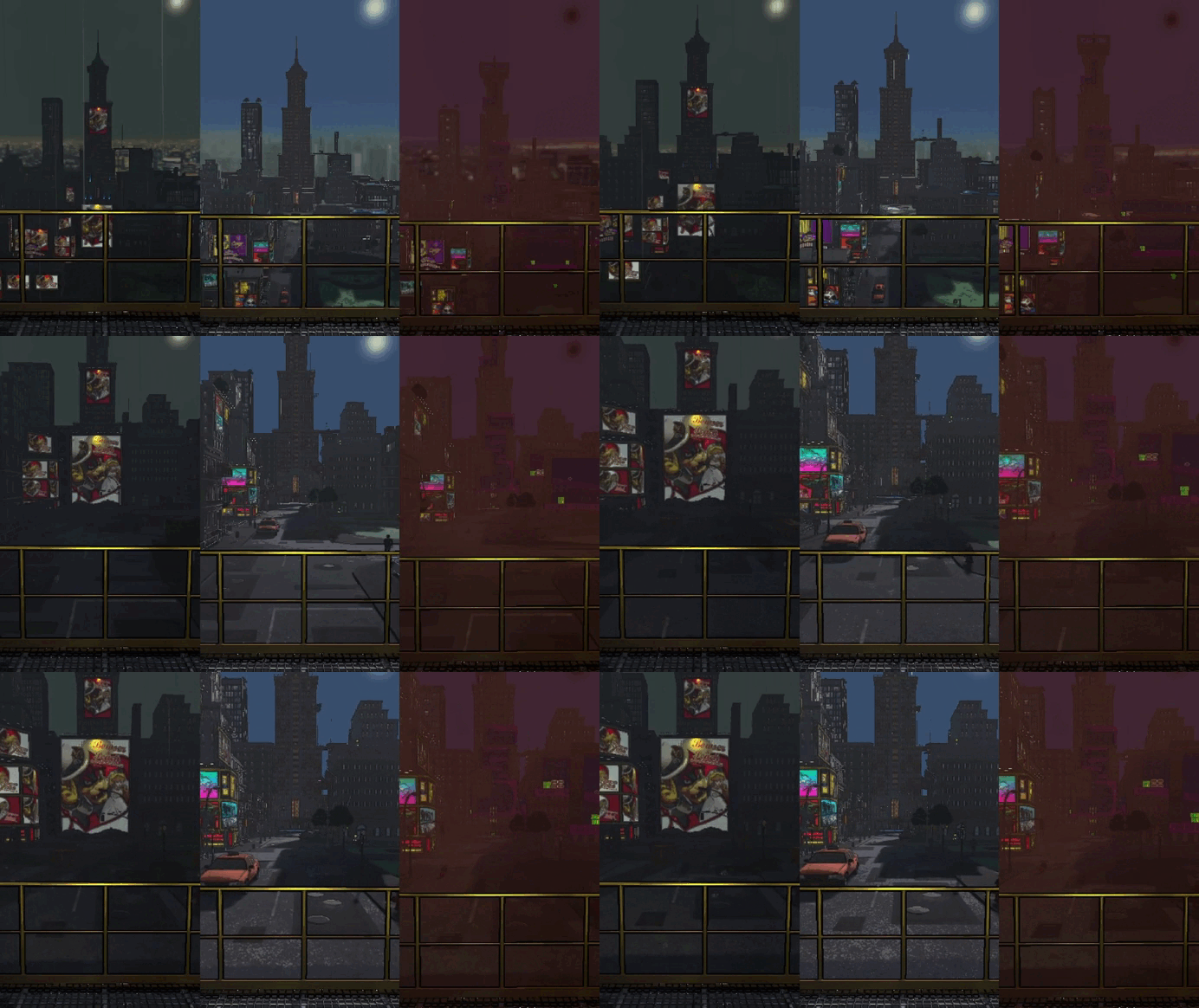
The level will load different meshes, collision, skyboxes, lighting, and special props depending on the weather the game randomly selects.
Level Lay-Outs
New Donk City in Super Mario Odyssey has multiple level lay-outs that get loaded for special missions.
Lethal Company has weather effects that are randomly selected every in-game day.
And, for this mod, I made it so an AestheticsManager checks the current level weather to load and unload all that weather's unique objects.
This allowed me to have a normal version of the level on normal weather, a Bowser-captured version on rainy weather to compensate for how quicksand wouldn't pose a threat on the level's concrete floors, and a cheery Festival version that juxtaposes the game very dangerous eclipse-weather.
Prefabs were split into groups for each weather, to easily let the manager unload and destroy unused objects, to save performance.
I also spawn different amounts of NPC's per weather type, play different music, and fade the music's intro out sooner and/or faster.


The Scene's prefabs and navmeshes were split into groups, and Aesthetic MonoBehaviours were used to choose one aesthetic that determines which groups were loaded.
MoveToPoint and EventMessenger
I wanted a custom solution to splines, in order to move players along special objects and have taxi's driving the streets.
On top of that, I wanted more freedom in calling UnityEvents, AnimationEvents, and syncing these across the netcode.
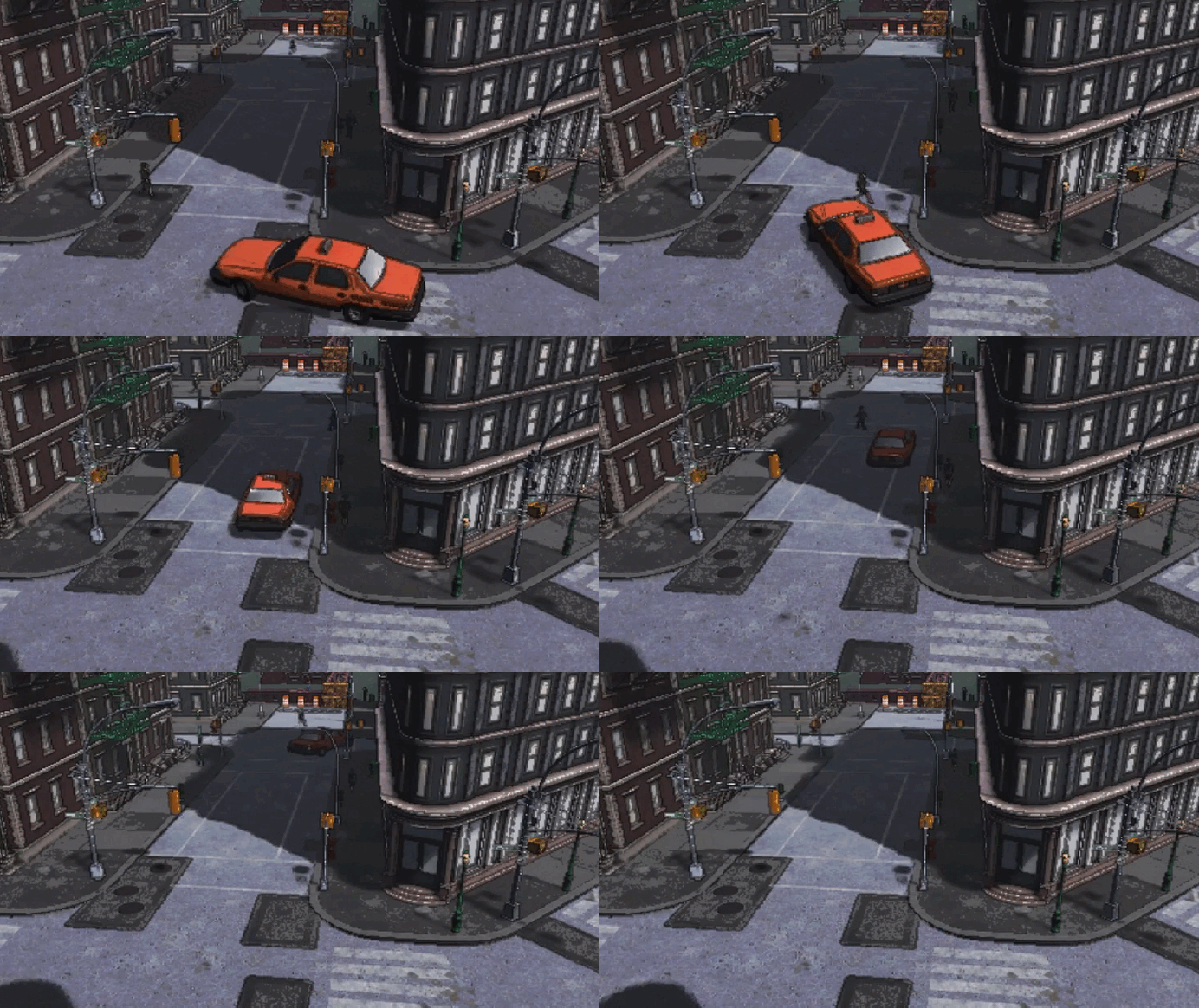
MoveToPoint combined with EventMessenger allowed me to make taxi's that slam the brakes for pedestrians and use their blinkers on turns

My solution to splines was MoveToPoint, a script that would take a GameObject and interpolate its position, rotation, and scale along a specified amount of time and AnimationCurve.
I could also give it Animators, AudioSources, ParticleSystems, and even consecutive MoveToPoints in order to have one object move along multiple points and trigger special sounds and animations.
Such as taxi's that will drive along specific streets, rotate their wheels and turn on their blinker when taking a turn, and even stop for players and NPC's.
MoveToPoint would interpolate each AnimationCurve every frame, so I gave it booleans to try and limit the performance impact
Secondly, I created an EventMessenger script. This is an empty script with UnityEvent variables, but that's what's so nice about it.
Now I could call AnimationEvents on scripts outside the Animator's scope, as well as use different players and objects as variables, and trigger certain events on the scene loading, or on colliders entering or exiting a trigger.
I also used Physics.SphereOverlapNonAlloc to search for EventMessengers at specific points, to synchronize events over the netcode without needing to spawn each messenger.
This system was also used for Spark Pylon ziplines that players can use Zap Guns on to quickly travel through the level.

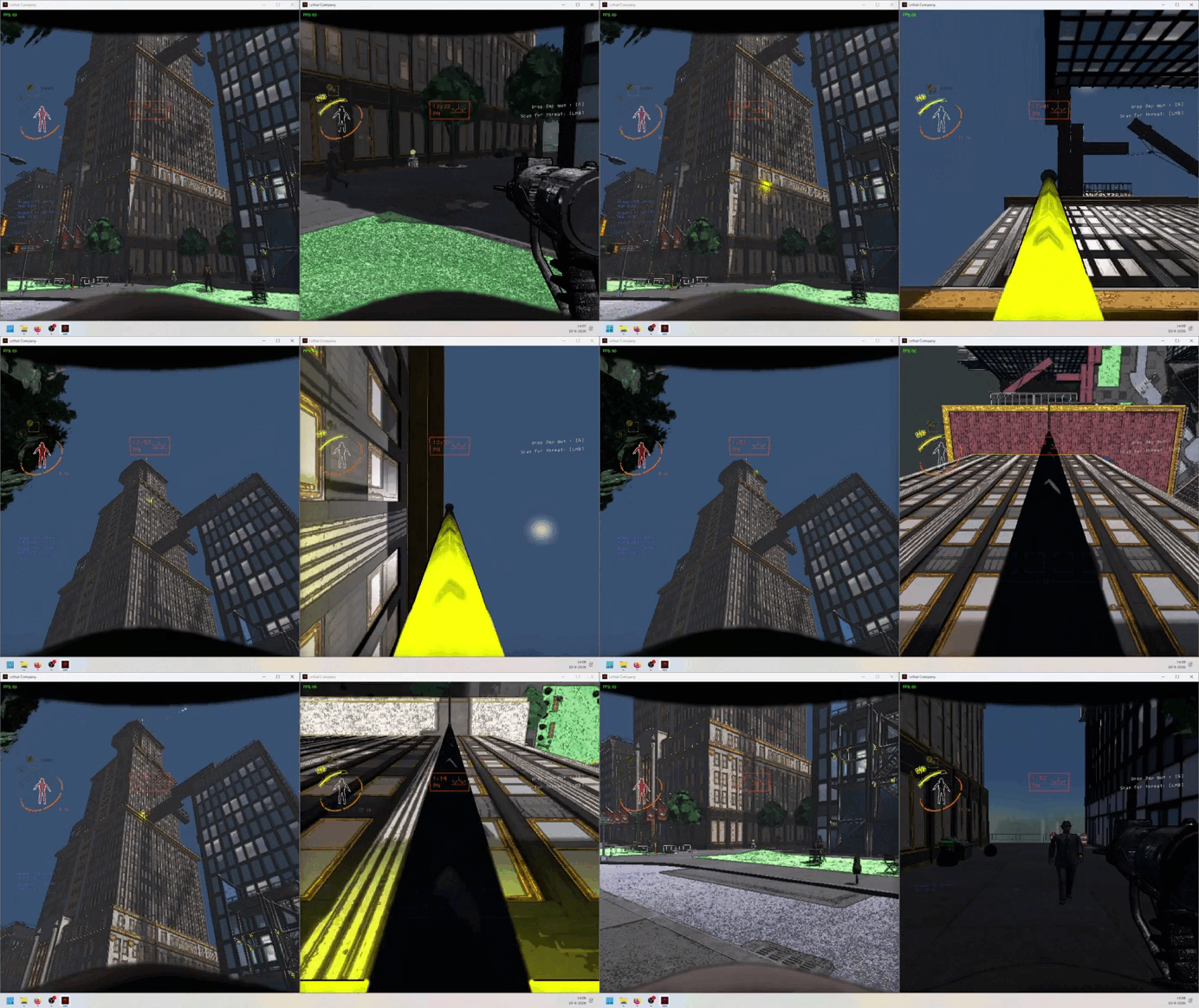
MoveToPoint would interpolate each AnimationCurve every frame, so I gave it booleans to try and limit the performance impact
RetroCharacterController
Super Mario Odyssey has 2D sections. Jump into a pipe and Mario will turn 8bit and walk around a retro level.
But that's insane. You wouldn't add that into Lethal Company.
Subtext
Anyway. During an eclipse, jump into a pipe and you'll see your own character from a third-person perspective running around retro-Mario obstacles.

The first step in the character controller's code for movement, determining if the player should move forward, and if so, how quickly to accelerate or decelerate
For this, I had to learn how to make a custom character controller for the first time.
I did this by reusing the ziplines' code for snapping players to a position, in this case, the controller's.
Then, instead of moving along a line, I move the controller based on the player's inputs.
Additionally, the character controller's upward direction gets aligned to a Transform point I can set to anywhere.
This allowed me to create custom gravity to walk on ceilings and walls! Albeit with the bugs that came with it.
There's also options for the offset of the camera, what bounds it should stay within, and how quickly it should track the character controller.

An in-engine 2D Zone, aligning the player to its own upside-down Transform.up
I also added a Light box to the character controller, and made the Material of every relevant floor and object emmissive, to make it easier to read where everything is, even in the dark.

Every 2D object is purposefully emmissive or lit up, to be readable

SongsManager
One thing that always irked me is how looping AudioClips makes them jump back to the beginning of the clip.
So, to import Super Mario Odyssey's songs, I wrote a custom SongsManager. This manager can be given Song MonoBehaviours that contain loop points.
If the end of a loop has been surpassed, it will jump back to the start of the loop. It can also ignore the loop point and jump to a different part of the song.
This allowed me to make songs with intro's and outro's, as well as a timer that appears to speed up as time progresses.
Data for a Song MonoBehaviour, including which AudioClip to play, where to loop it, and at what volume to play

The SongsManager code, checking the currently given Song MonoBehaviour and its loop points, to determine what to do based on the given AudioSource.time
This page is heavily Work In Progress from here on out
NPC's
Like I said, there's NPC's in this level.
80 of them, most of the time, in fact.
In order to get this many NPC's walking around the level without destroying the framerate, I cut every single tiny little bit of code from the main EnemyAI class that they wouldn't need. Many variables were recycled into things such as custom timers, and their code would even be turned off and on if they moved into an idle pose.
Their position only gets synchronized over the netcode by telling a NPCManager where they want to move, and the NPCManager will only synchronize this data once per second, instead of every time an NPC requests it.
Additionally, NPC's only pick a new destination when walking into an NPCNode trigger Collider, which has multiple other NPCNodes assigned as destinations, of which one is picked randomly.
All this combined makes it so there can be 80 NPC's walking around the level being synchronized across the netcode, all while the game sticks to a smooth 60fps (somehow).
Subtext
MoonManager and SaveDataManager
Text
Subtext
Paragraph
Subtext
DynamicMaterial and sounds
One specific goal of the mod was to make the level feel alive and lived in. This was done to mimic the original level, but also to purposefully feel like a wholly unique level within Lethal Company's array of abandoned natural landscapes.
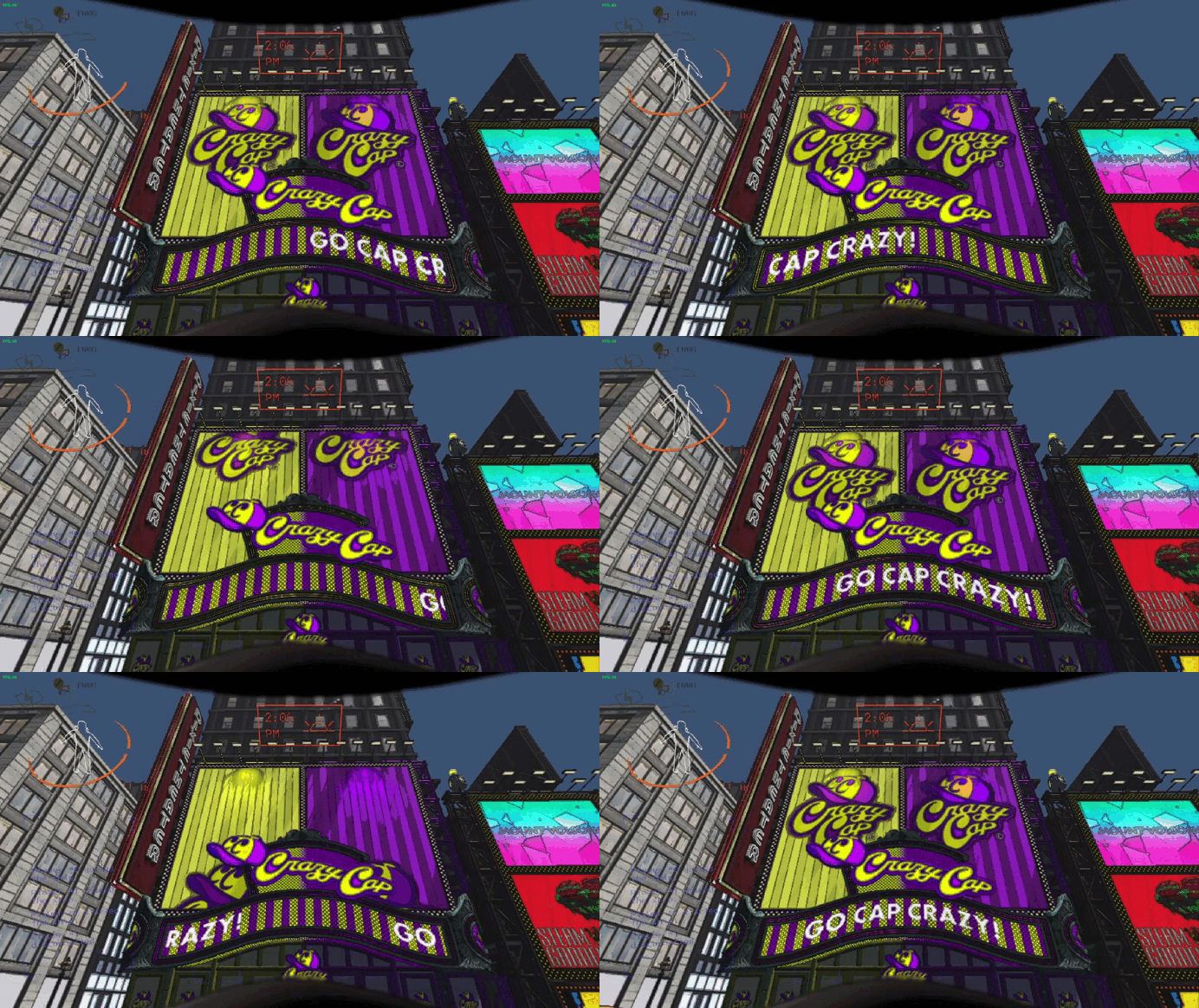
One way I did this was by making materials emmissive and moving. A DynamicMaterial script would take MeshRenders, their main Material, and set its offset over a certain time in a certain direction. This way, the giant storefront next to the ship really came to life. Performance options were also added.

On top of that, I gave taxi's the sound of a running and engine the ?-signals their iconic sound from the game. I gave NPC's footstep sounds, to make them feel more physical.
And I added background ambient noise that would quiet down the fewer NPC's there were, so that the level would feel deserted by the end of the day, due to it being quiet, as opposed to the center of the day.
RC Car
One of my favorite gimmicks, a little remote-controlled car with a strong design intent.
Subtext
In Super Mario Odyssey, one stick controls the car's forward and backward speed, while the other controls its turning.
In Lethal Company, I thought of the idea to make the left- and right-stick two separate items that can spawn in the game's interior.
Hold such an item in your hand and press the triggers to have the car move forward and back on the Left Stick-item, and rotate left and right on the Right Stick-item. However, because you can't hold and use multiple items at once in Lethal Company, you'll have to give one controller to a friend and cooperate to get the car to its goal.
Get the car to the goal, and one lap is added to its total. I then created different level scenarios that require the car to drive different amounts of laps, rewarding more worthwhile moons in more challenging courses.
Scooters
Another good piece of exercise to truly understand how Unity's WheelColliders work.
Subtext
The first prototype avoided WheelColliders altogether, actually. And opted for a CapsuleCollider that force would be applied to, the same the RC Cars work. This, however, did not work, and I took some time to learn how WheelColliders really work.
I learned how much the attached RigidBody matters, and how its mass affected the issues I was having in LCCrashBandicootCratesMod of the kart jittering up and down. I also learned how much it matters to try and balance the vehicle using multiple wheels on different points, as opposed to making it "realistic" with the same amount of wheels as in real life. And I learned from playtesting that it is still not perfect, and I still have a long way to go...